
If you’ve been running Facebook ads for your Shopify store, but they’re not converting, you’re not alone.
Most merchants reach this point. You’ve done everything by the book, chosen a product, set your budget, followed YouTube tutorials, yet your ads burn money and bring little to no return.
Here’s the truth: Facebook ads still work, but they’re not forgiving. The smallest mistakes in setup, targeting, or structure can destroy performance.
The good news is that once you understand where things go wrong, you can fix them quickly. In this guide, you’ll see the most common reasons Facebook ads fail to convert, and how tools like Easy Ads for Facebook solve these issues automatically so you can focus on running your store instead of your campaigns.
1. Your Targeting Is Off
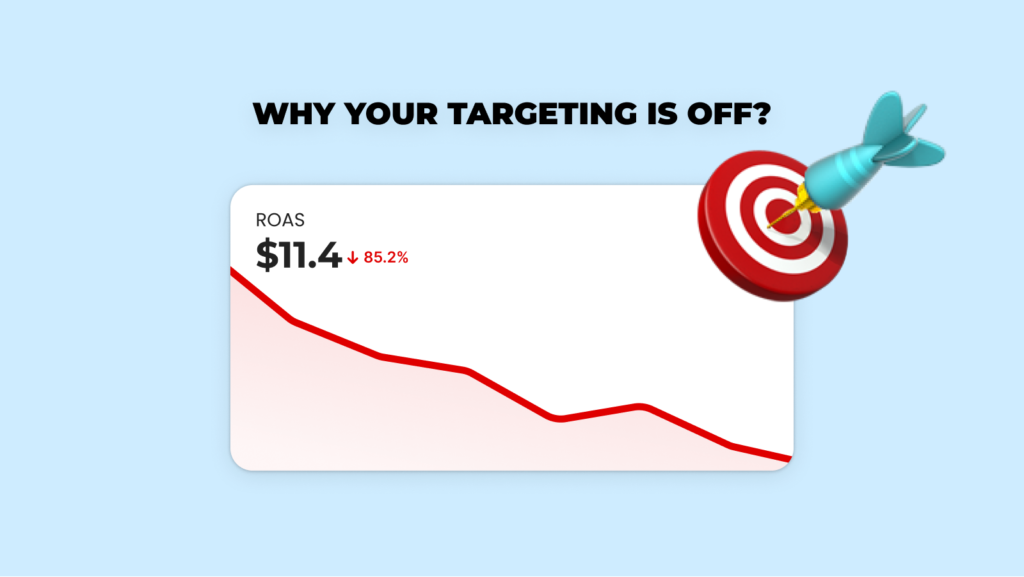
When you run Facebook ads for your Shopify store, but they aren’t converting, the problem often starts before you even hit “publish.”
Facebook’s algorithm relies on data to learn who your customers are. If your targeting is too narrow, it can’t find enough people to learn from. If it’s too random, it wastes money showing your ads to people who were never going to buy.
In 2025, the best-performing advertisers are using broader, cleaner audience setups that give Meta’s AI room to learn.
Fix:
- Avoid stacking multiple interests. Use one or two broad ones, or go fully broad if your Meta pixel already has data.
- Keep cold audiences between 1–5 million people.
- Separate cold and warm audiences to avoid overlap.
If you use Easy Ads for Facebook, you don’t have to worry about audience size or targeting rules. You need to only add the country you want to ship to. Then the app automatically creates and manages audiences based on your Shopify data, keeping your campaigns structured and ready to learn faster.
Stop Worrying About Audience Setup
Let Easy Ads handle the complexity—just pick your country and we'll build optimized audiences from your Shopify data.
Start Your Free Trial2. You’re Testing Too Many Variables
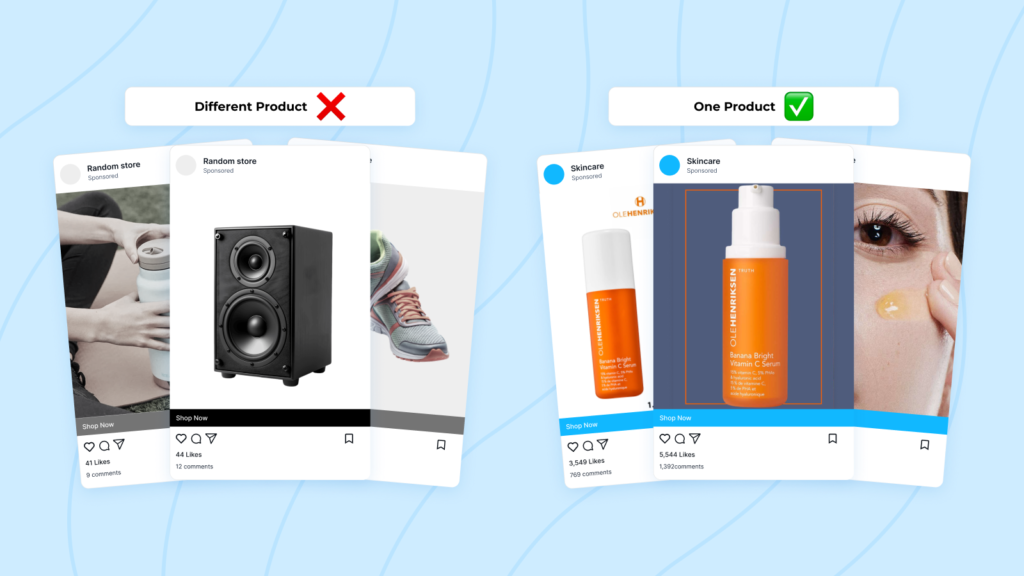
If you test several products, audiences, and creatives all at once, you’ll never know what’s actually working.
Testing without structure leads to confusion and wasted budget.
Fix:
Test one thing at a time. Start with product testing, then move to creative variations once you’ve found a promising item.
Easy Ads for Facebook handles this by testing all your products automatically and reallocating budget toward the ones that get the best response. Instead of managing spreadsheets and ad sets, you just check which products perform best in your Shopify dashboard.
3. Your Budget Is Too Small or Changes Too Often
Facebook ads need consistent data to optimize properly and start converting for your Shopify stores. If you change your budget every day or spend too little, the algorithm never stabilizes.
Fix:
- Start with a steady budget — around $10 a day for testing or $5 for small audiences.
- Run your ads for at least five to seven days before making any changes.
- When performance improves, increase the budget slowly by about 20% every few days.
Easy Ads manages this automatically. It paces your spend during the learning phase and adjusts gradually, so your campaigns can optimize without interruptions.
4. Your Creative Doesn’t Catch Attention
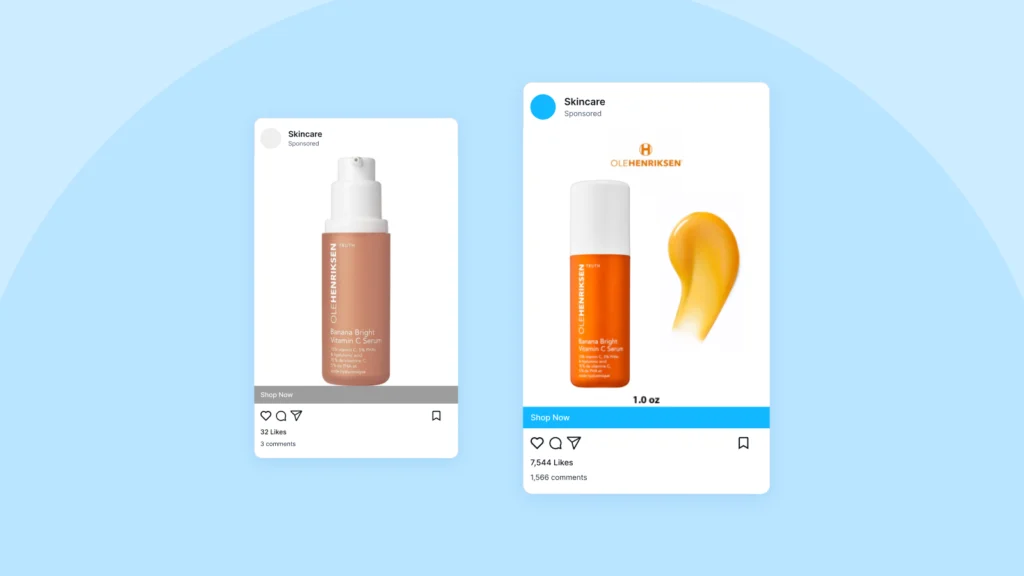
Even with the right targeting, people won’t stop scrolling for something that looks boring.
Your creative — image, video, or text — is what makes people pause long enough to care.
Fix:
- Use real, authentic visuals that show the product in use.
- Keep text short and focused on the benefit, not the feature.
- Add emotion or transformation — what changes after the customer buys?
Example:
“Neck pain from long workdays? This memory foam cushion supports your posture so you can work comfortably again.”
With Easy Ads, you can upload your visuals once and let the app automatically build and test variations optimized for engagement and conversions.
5. Your Offer Isn’t Clear
If someone has to think twice about what you’re offering, they’ll scroll past your ad.
Fix:
- Be direct: show the price, benefit, and call-to-action immediately.
- Use simple offers like “Free Shipping,” “Limited Stock,” or “New Collection.”
- Make sure your product solves a real, visible problem.
Easy Ads for Facebook automatically syncs your product titles, prices, and descriptions from Shopify, so every ad communicates a clear and complete offer. You don’t have to rewrite or upload new versions each time.
Save Hours on Ad Creation
Your products sync automatically with accurate titles, prices, and descriptions in every ad, without manual updates.
Get Started Free6. Your Landing Page Doesn’t Match Your Ad
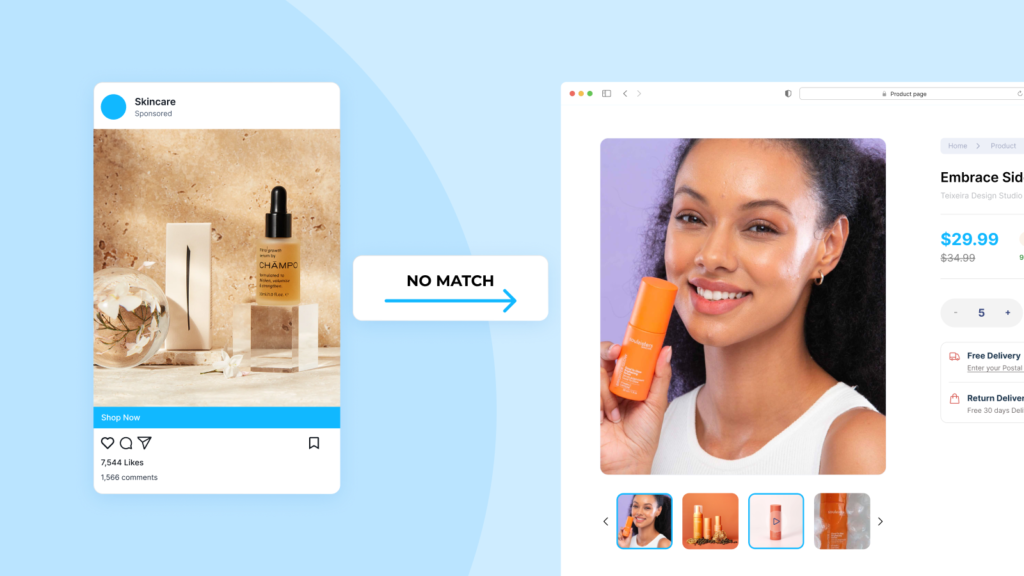
A good ad can drive traffic, but only a consistent experience can convert that traffic into sales.
If someone clicks on an ad that promises a discount but lands on a generic home page with no mention of it, they’ll leave instantly.
Fix:
- Match your landing page visuals and message to your ad.
- Make the product image, title, price, and “Add to Cart” button visible above the fold.
- Remove unnecessary distractions — pop-ups, auto-playing videos, or extra navigation links.
Easy Ads ensures this alignment automatically. Each ad sends visitors directly to the specific product or collection featured, keeping your conversion path consistent.
7. You’re Editing Ads Too Early
Facebook’s learning phase is when the system gathers data to find the right audience and creative combination. If you make edits before it’s done learning, you reset progress.
Fix:
Let campaigns run for at least 5–7 days before making changes. Evaluate results after Facebook exits the learning phase, not during.
Easy Ads manages this timing for you. It waits for sufficient data before making any optimization changes and handles learning-phase resets automatically.
8. You’re Not Retargeting Interested Shoppers
Most people don’t buy on their first visit. Retargeting brings them back.
Ignoring this stage means you’re paying for clicks that never convert.
Fix:
- Run retargeting ads for visitors who viewed products but didn’t purchase.
- Include cart abandoners and social media engagers.
- Use creative focused on reminders and urgency.
Example:
“Your favorites are waiting — grab them before they’re gone.”
Easy Ads creates and updates these retargeting audiences automatically using your Shopify data, so you can recover missed sales without building separate campaigns.
9. You’re Using the Wrong Campaign Objective
Your campaign objective tells Facebook what result to prioritize. If you choose “Traffic” instead of “Sales,” the system will optimize for link clicks, not purchases.
That’s why you can get plenty of visitors and still have no sales.
Fix:
- Use Sales (Conversions) once your pixel has enough data.
- For new stores, start with Add to Cart or Initiate Checkout, then switch to Purchases later.
Easy Ads for Facebook automatically chooses the most effective objective for your current data level and switches it once your campaign collects enough conversions.
10. You’re Expecting Results Too Quickly
Facebook ads need time to stabilize. Many merchants give up after three days, thinking their ads don’t work — but most campaigns only start performing well after a week or two.
Fix:
- Let your campaigns run at least 7–10 days before making big decisions.
- Measure performance by trends, not single days.
- Evaluate over a two-week window for more reliable insights.
With Easy Ads, you don’t have to track these cycles manually. The app manages pacing, optimization, and scaling automatically so you see performance improvements steadily over time.
Why Easy Ads Fixes These Problems Instantly
If all this sounds like a lot to manage, that’s because it is. Running Facebook ads manually takes experience, time, and constant attention.
Easy Ads for Facebook automates all the parts that usually go wrong — audience setup, optimization, scaling, and retargeting — while following Meta’s best practices.
Here’s what happens when you switch:
- Campaigns launch in minutes, not hours.
- Targeting is automatically structured into cold, warm, and hot audiences.
- Budgets stay consistent during the learning phase.
- Retargeting and scaling happen automatically.
- All performance data is visible inside Shopify.
Most users see their first sale within hours of setup because the system does exactly what manual advertisers are taught to do — only faster, and with perfect consistency.
See Results in Hours, Not Weeks
Join thousands of Shopify stores using Easy Ads to run profitable Facebook campaigns—fully automated, zero guesswork.
Start Free TodayExpertise and Proven Results
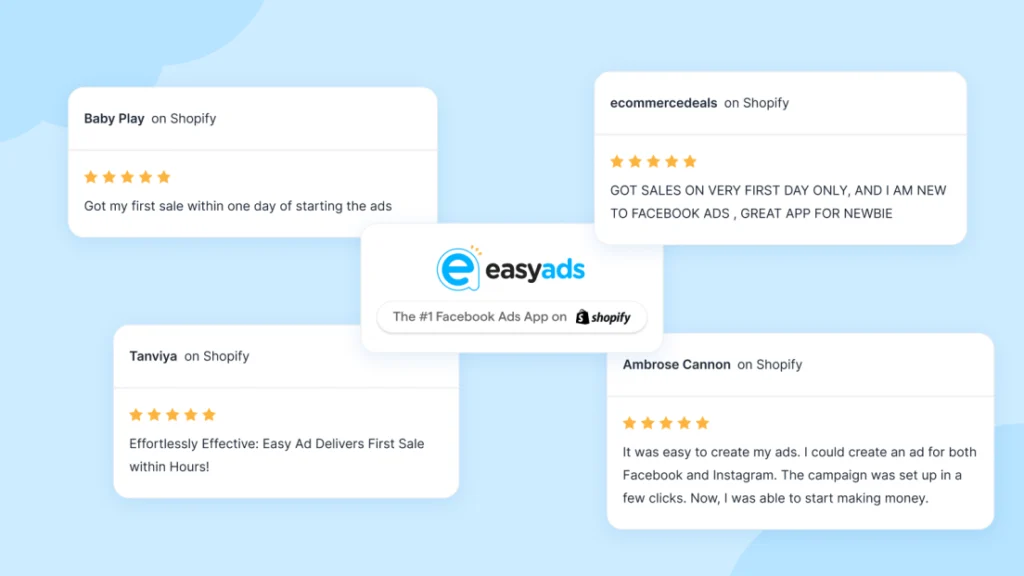
Easy Ads ranks first on the Shopify App Store for Facebook ad automation and is consistently reviewed as one of the highest-performing marketing apps for e-commerce. Thousands of merchants have used it to generate sales, many seeing conversions within their first week.
The app’s success comes from following proven Meta advertising principles that experienced media buyers use daily: stable budget pacing, structured audiences, and data-driven scaling.
You don’t need to become an ad expert to benefit from those same methods — Easy Ads applies them for you automatically.
Final Thoughts
If your Facebook ads for your Shopify store aren’t converting, you’re likely not doing anything “wrong.” You’re just missing the structure and consistency that Meta’s algorithm needs to work.
Instead of trying to master every technical detail, let automation handle it.
With Easy Ads for Facebook, you can launch full-funnel campaigns in minutes, test multiple products, and let AI optimize everything from targeting to scaling while you focus on your business. To make your campaigns even more effective, check out Best Facebook Audiences Shopify 2025: What Works Now for guidance on audience setup and targeting.
You don’t need more complexity — you just need a system built to convert.
FAQs
Why aren’t my Facebook ads converting?
Usually because of targeting issues, weak creatives, inconsistent budgets, or poor landing page alignment.
How can I fix poor performance quickly?
Use a structured approach: steady budget, clean audiences, and focused creatives. Or automate everything with Easy Ads.
Can Easy Ads improve existing campaigns?
Yes. It rebuilds your campaign structure automatically for better learning and optimization.
How long before I see results?
Most merchants see stable performance and early conversions within the first few days of setup.
Do I need Facebook ad experience?
No. Easy Ads handles setup, optimization, and reporting automatically. You just choose your budget and goals.
Leave a Reply