
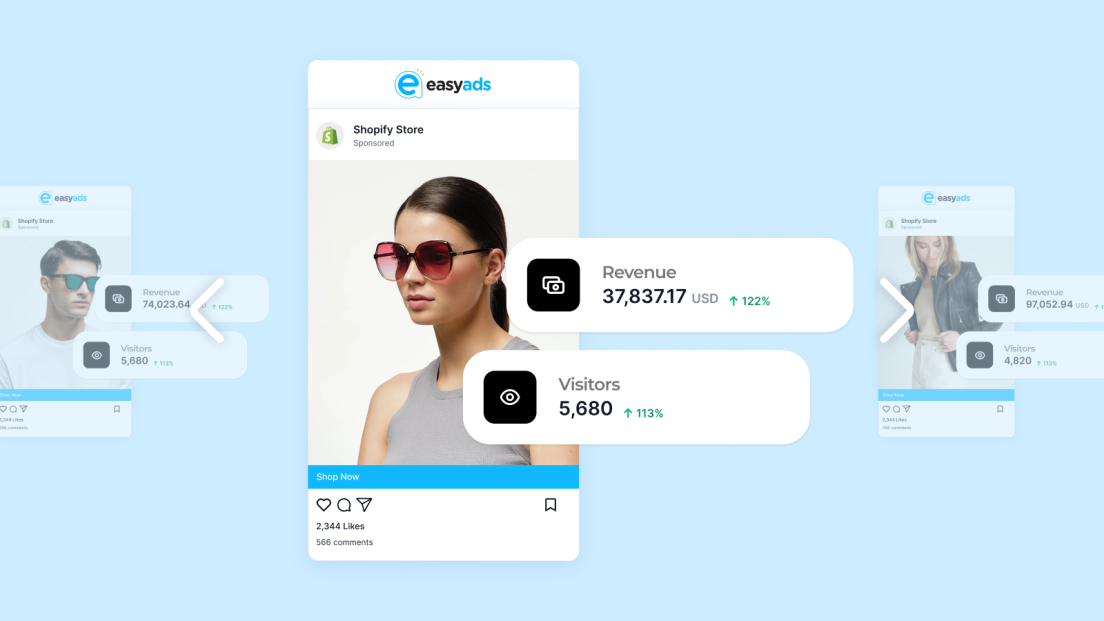

Advantage+ Shopping Campaigns (ASC) are Meta’s most powerful update for Shopify merchants. They take the best of automation (audience targeting, placement, and budget optimization) and combine it with AI-driven learning to help you reach buyers faster.
If you run a Shopify store, Advantage+ Shopping Campaigns can simplify your ad setup, reduce costs, and find new profitable customers without constant manual adjustments.
This guide will show you how to set them up, what settings matter most in 2025, and how to integrate them smoothly with Easy Ads for Facebook and eρ – Facebook Pixels & CAPI.
What are Advantage Plus Shopping Campaigns for Shopify stores?

Advantage Plus Shopping Campaigns use Meta’s AI to automate nearly every part of your campaign creation so you can focus on improving your Shopify store. Instead of manually selecting audiences, placements, or bidding strategies, you let Meta’s algorithm test thousands of combinations and learn which ones convert best.
In short, you decide the goal, budget, and creative. Meta does the rest.
For Shopify merchants, this means:
- Faster campaign setup
- Better audience discovery
- Lower cost per purchase with optimised delivery
- Simplified management and clearer reporting
It’s especially effective when your pixel and Conversions API are correctly connected, since Meta relies heavily on accurate conversion data to learn who your best customers are.
Why use Advantage Plus Shopping Campaigns for Shopify stores in 2025

In 2025, Meta’s algorithm is more data-dependent than ever. The days of manually stacking interests or building lookalikes from small datasets are over. The AI now outperforms manual setups as long as it gets clean, consistent data from your store.
Key benefits for Shopify stores:
- Full-funnel automation: ASC automatically tests top, middle, and bottom-of-funnel audiences in one campaign.
- Data-driven optimisation: Meta’s AI learns faster when pixel and CAPI signals are synced through eρ.
- Time savings: Fewer campaigns to manage, less manual testing.
- Higher scalability: Once a campaign performs well, scaling is as simple as raising the budget.
- Better stability: ASC tends to maintain consistent ROAS over longer periods because learning resets are minimised.
Launch Advantage+ Shopping in Minutes
Automate targeting, tracking, and optimization with Easy Ads.
Start for Free TodayStep 1: Make sure your tracking is correct
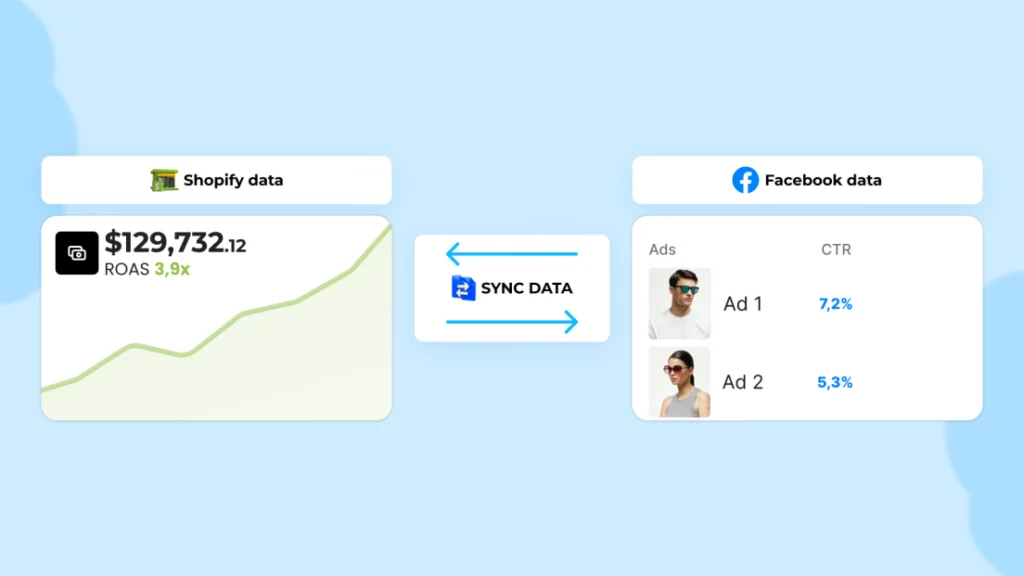
Before launching ASC, confirm that your Meta Pixel and Conversions API are properly configured. Without accurate tracking, the AI can’t learn correctly.
Quick checklist:
- Pixel events (ViewContent, AddToCart, InitiateCheckout, Purchase) are firing correctly.
- Purchase values and currencies match your Shopify store.
- Your domain is verified in Meta Business Manager.
- Server-side events (CAPI) are active through eρ – Facebook Pixels & CAPI.
If you’re not sure about setup, eρ connects both automatically and verifies that your store’s tracking is complete before campaigns run.
Step 2: Set up an Advantage+ Shopping Campaign in Meta Ads Manager
You can launch an ASC in Meta Ads Manager or through Easy Ads for Facebook.
Manual setup in Ads Manager for Advantage Plus shopping campaigns for Shopify
- Click Create Campaign and choose Sales as your objective.
- Select Advantage+ Shopping Campaign as your campaign type.
- Choose your ad account and ensure your Shopify pixel is selected.
- Set your Daily or Lifetime Budget — start with at least $50/day for data-rich stores or $20/day for smaller ones.
- Keep placements on Automatic (Meta’s AI will handle this better than manual selection).
- Upload at least three creatives — image or video — and let Meta rotate them automatically.
Easy setup with Easy Ads for Facebook
If you use Easy Ads for Facebook, this entire process happens automatically. You simply set your goal, select your products or collections, and choose your daily budget. The app builds a compliant Advantage+ Shopping structure with correct pixel and CAPI connections through eρ.
That means zero manual setup, instant campaign creation, and fewer chances to misconfigure anything.
Step 3: Choose the right creative strategy
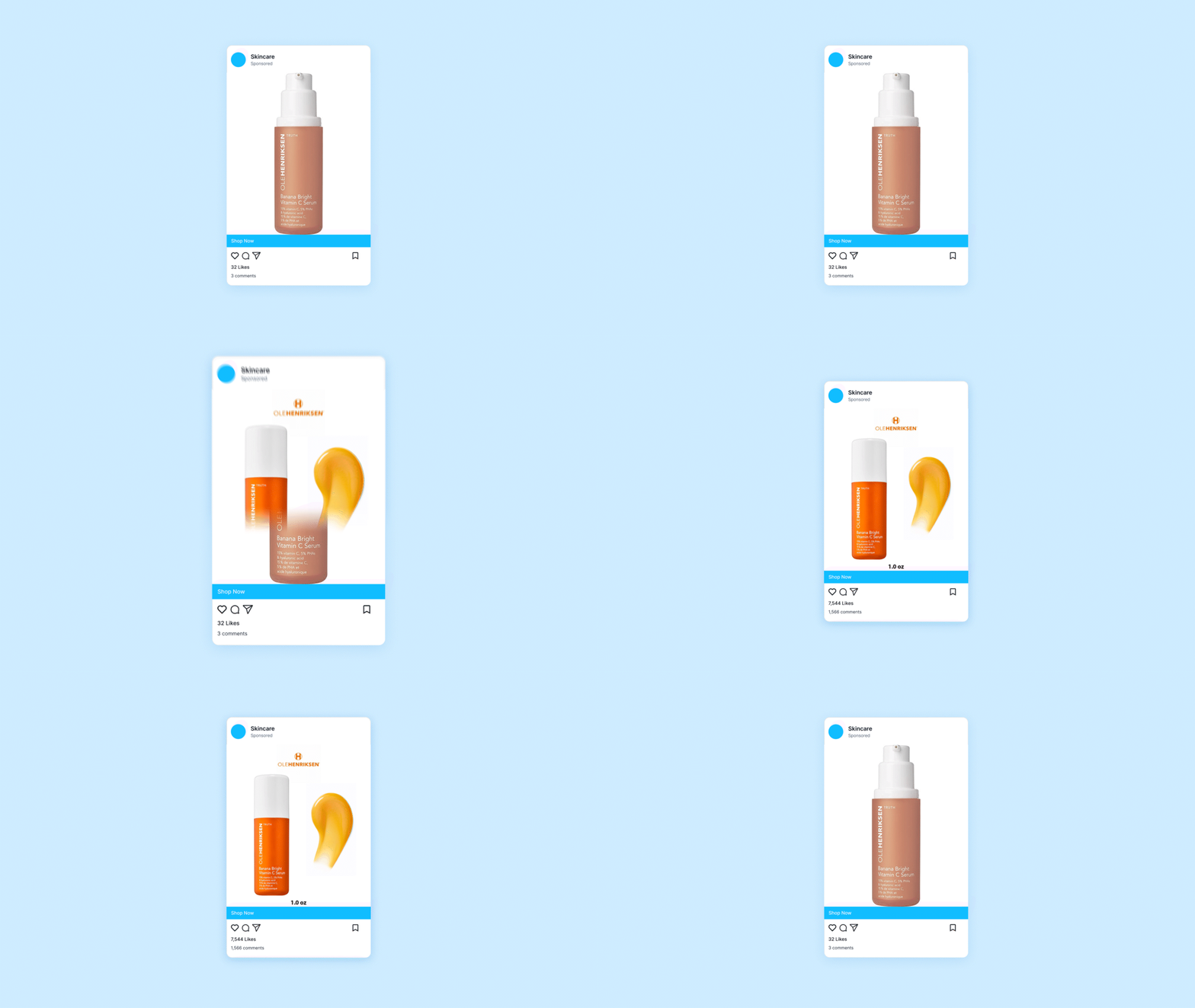
Creative quality is what fuels performance. Even though ASC automates targeting, it still depends on strong creative inputs.
Best practices for 2025:
- Use at least one short-form video (under 15 seconds).
- Include lifestyle visuals showing the product in use.
- Keep headlines under 40 characters.
- Use clear calls to action such as “Shop Now” or “Get Yours Today.”
- Add social proof (reviews, user-generated clips, testimonials).
Meta’s AI uses engagement data to optimize delivery, so the more variation you provide, the faster it learns.
Tip: Easy Ads can automatically generate creative variations for your products using your store images, ensuring consistent testing without extra workload.
Step 4: Configure your audience inputs wisely
Advantage Plus Shopping campaigns use broad targeting, but Shopify merchants can still give them structure. In 2025, Meta recommends feeding the system with high-quality signals and a good understanding of which Facebook audiences work best for your Shopify store to ensure your campaigns perform efficiently without unnecessary restrictions.
Recommended setup:
- Country targeting only (avoid interests or lookalikes).
- Use existing customer lists for exclusions to prevent overlap.
- Let Meta handle gender, age, and device targeting.
If your pixel and CAPI are sending strong data, the algorithm will automatically find your most likely buyers within a few days.
Step 5: Budget and learning phase

ASC typically needs around 50 conversions per week to exit the Facebook ads learning phase. Don’t panic if results fluctuate during the first 5–7 days — that’s normal.
Tips for smooth learning:
- Avoid major edits during the first week.
- Don’t turn ads off and on.
- Increase budgets slowly (20–30% at a time).
Easy Ads handles this pacing automatically. It keeps your campaign stable and prevents learning resets, which helps maintain consistent ROAS while scaling.
Stabilize & Scale Your Campaigns
Let Easy Ads manage pacing, protect learning, and boost long-term ROAS.
Start Free with Easy AdsStep 6: Monitor the right metrics
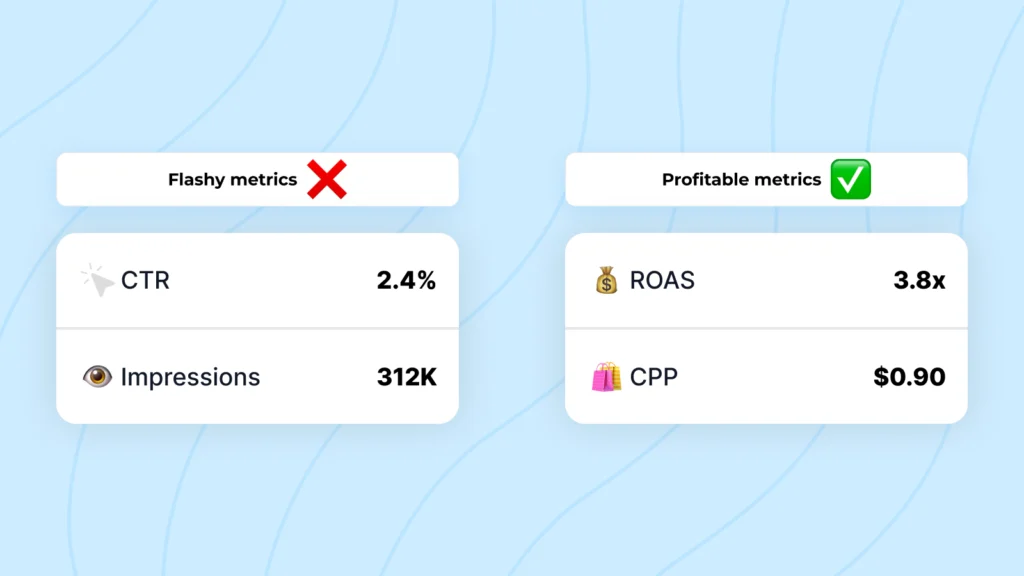
When running ASC campaigns, not all metrics are equally useful. Focus on:
- ROAS — Is your campaign profitable overall?
- Cost per Purchase (CPP) — Are you acquiring customers at a sustainable rate?
- Add-to-Cart and InitiateCheckout — Are users moving through the funnel?
- Frequency — Are ads starting to fatigue?
CTR, CPC, and CPM can help diagnose creative performance, but should never define success alone.
With Easy Ads, you can track these key metrics directly in Shopify, using verified data from eρ to ensure numbers are real, not underreported.
Step 7: Scale smartly
Once your ASC stabilises with consistent performance, you can start scaling.
Two reliable ways:
- Increase budget gradually — raise daily budget by 20–30% every few days while monitoring ROAS.
- Duplicate winning campaigns — create a copy of the ASC with a slightly higher budget to test scale separately without interrupting the original.
Avoid frequent changes to creatives or audience exclusions during scaling; each change can trigger a new learning phase.
Easy Ads can manage scaling automatically based on real performance signals. It reallocates budget to the best-performing ad sets, ensuring efficiency even as spend grows.
Step 8: Maintain creative freshness
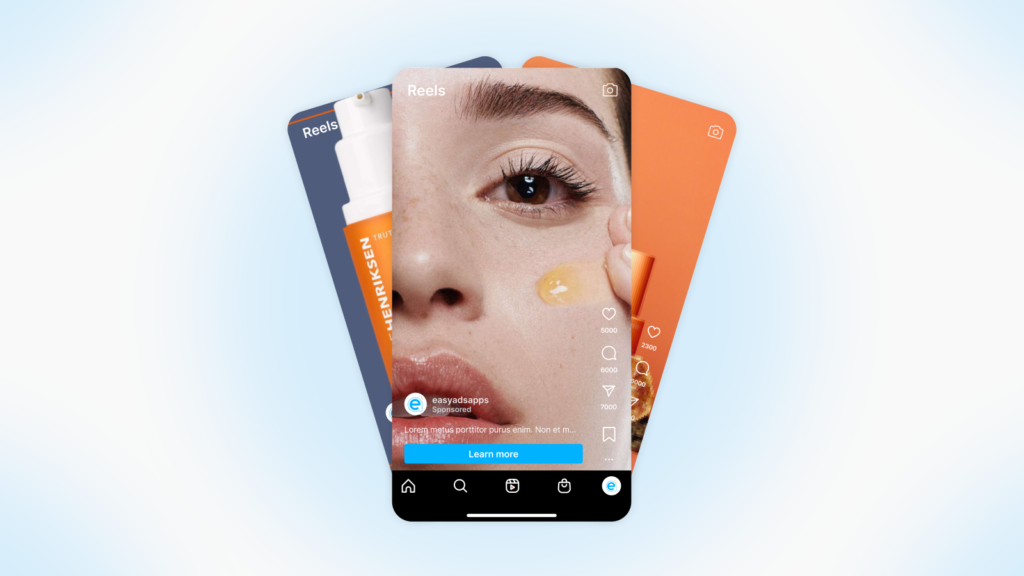
Even the best-performing ASC eventually fatigues. When ROAS drops or frequency rises above 3 for cold audiences, refresh your creatives.
Rotate new visuals, update product highlights, and use seasonal promotions. Keep the messaging consistent with your brand tone, but test new hooks regularly. Meta’s AI will re-learn faster if your new creatives stay close to what worked previously.
Step 9: Keep your data clean
ASC performance depends entirely on data accuracy. If your pixel or CAPI stops tracking correctly, results will drop. Use eρ to:
- Monitor event consistency between Shopify and Meta.
- Prevent double-counting or missing events.
- Maintain verified domain connections.
Good data fuels good optimisation. The fewer tracking gaps, the more stable your campaigns will remain.
Common mistakes to avoid with Advantage Plus Shopping campaigns for Shopify stores
- Editing campaigns too soon after launch.
- Mixing Advantage+ and manual campaigns with overlapping audiences.
- Ignoring purchase data quality.
- Turning off ads during learning.
- Running multiple ASCs for the same store with small budgets.
Keep one strong ASC per region or language, backed by verified pixel data. That setup gives Meta enough signal to optimise effectively.
Avoid Costly Mistakes
Launch error-free ASCs powered by clean tracking and automation.
Try Easy Ads TodayFinal thoughts
Advantage Plus Shopping Campaigns are Meta’s most efficient tool for Shopify advertisers in 2025. They remove the complexity of audience targeting and let AI handle scaling, but they still depend on clean tracking and good creative.
With Easy Ads for Facebook, you can launch Advantage+ Shopping Campaigns instantly — built correctly, paced automatically, and powered by eρ – Facebook Pixels & CAPI for precise data tracking.
That combination gives you what every Shopify advertiser wants: campaigns that learn faster, scale smoothly, and keep bringing real, measurable sales.
FAQs
Do I need Facebook Ads experience to run Advantage Plus Shopping Campaigns for my Shopify store?
Not at all. ASC takes care of targeting, placements, and optimisation by itself. Even if you’re brand new, you can run profitable campaigns—as long as your tracking (Pixel and CAPI) is set up right. If you use Easy Ads, it’s even simpler. The app actually builds the whole ASC setup for you.
How long until my ASC campaign settles in?
Most campaigns need about 5 to 7 days to get through the learning phase. You’ll probably see some ups and downs at first, and that’s totally normal. Just don’t mess with your budgets or ads during this stage if you want things to stabilise smoothly.
What budget should I start with when running Advantage Plus Shopping campaigns for a Shopify store?
It really depends on your store. If you’re just starting out or your store’s still small, go with $10 a day. If you’ve got a solid flow of data and regular orders, try $20 to $50 a day. The more data your pixel has, the faster Meta’s AI figures things out.
Why does tracking (Pixel + CAPI) matter so much for ASC?
ASC runs entirely on data. If Meta isn’t getting clean, accurate purchase info, it just can’t optimise your campaigns—and you’ll end up paying more. Tools like eρ – Facebook Pixels & CAPI help keep your Shopify tracking clean, in sync, and verified.
Leave a Reply