
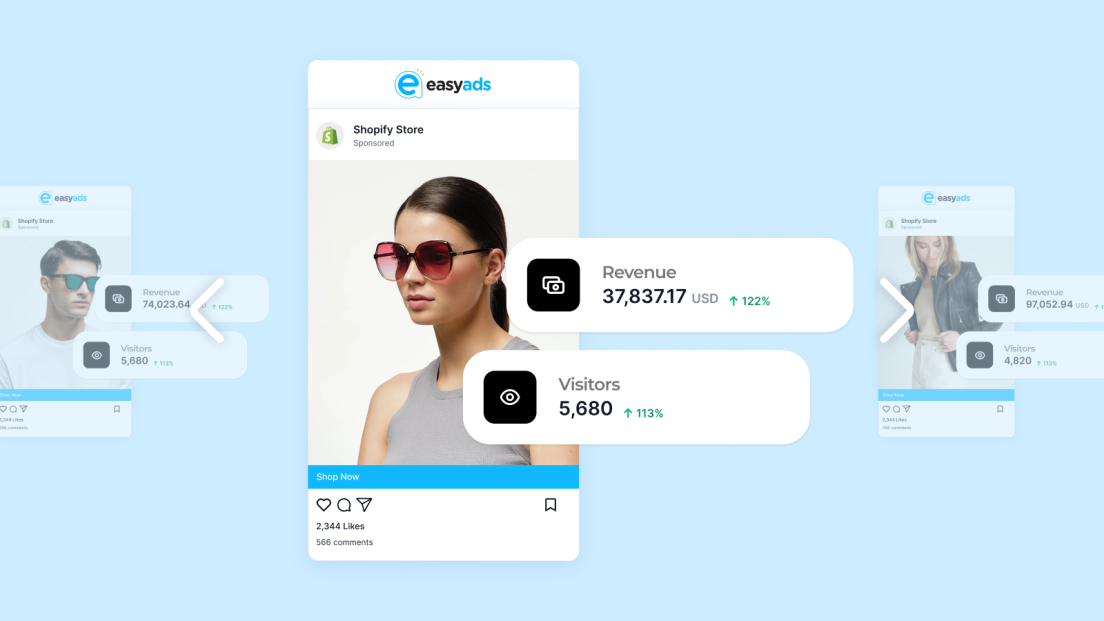

Many merchants struggle to run Facebook ads for their Shopify store. The biggest challenge most of them face isn’t the ads themselves — it’s knowing what to do, in what order, and how to avoid wasting money while testing.
In 2025, Facebook’s algorithm does most of the heavy lifting for you. The key is to give it the right structure and data so it can learn faster. Whether you’re a beginner or rebuilding your ad strategy, this step-by-step guide will show you exactly how to set up, launch, and optimize your campaigns the right way.
Let’s get started.
Step 1: Set Up the Basics in Shopify and Meta
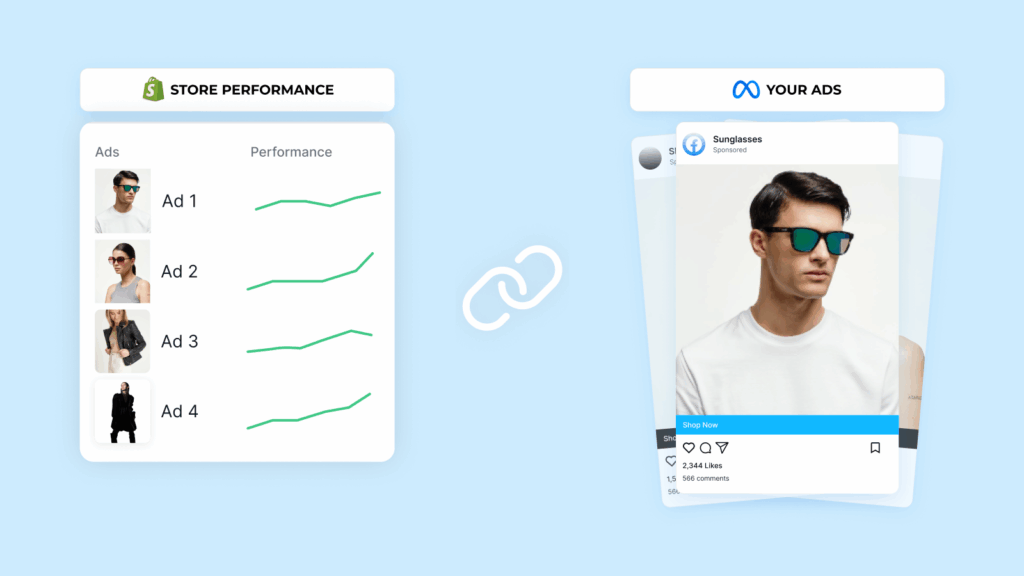
Before you run Facebook ads for your Shopify store, your foundation needs to be ready.
Make sure you have:
- A Shopify store with products and clear descriptions
- A Facebook Page and Meta Business Manager account
- The Meta pixel is connected to your Shopify store
If you’re using Easy Ads for Facebook, this setup is automatic. The app verifies your Business Manager permissions, your pixel setup, and connects your product catalog with your ad account.
You can go from setup to your first campaign in minutes instead of hours.
Launch Your First Campaign in Minutes
Easy Ads for Facebook does the heavy lifting—automated setup, verified connections, instant results.
Try Easy Ads for FreeStep 2: Define Your Campaign Goal
Every ad should start with a clear goal. Facebook gives you several objectives, but to run effective Facebook ads for Shopify stores, three are worth focusing on:
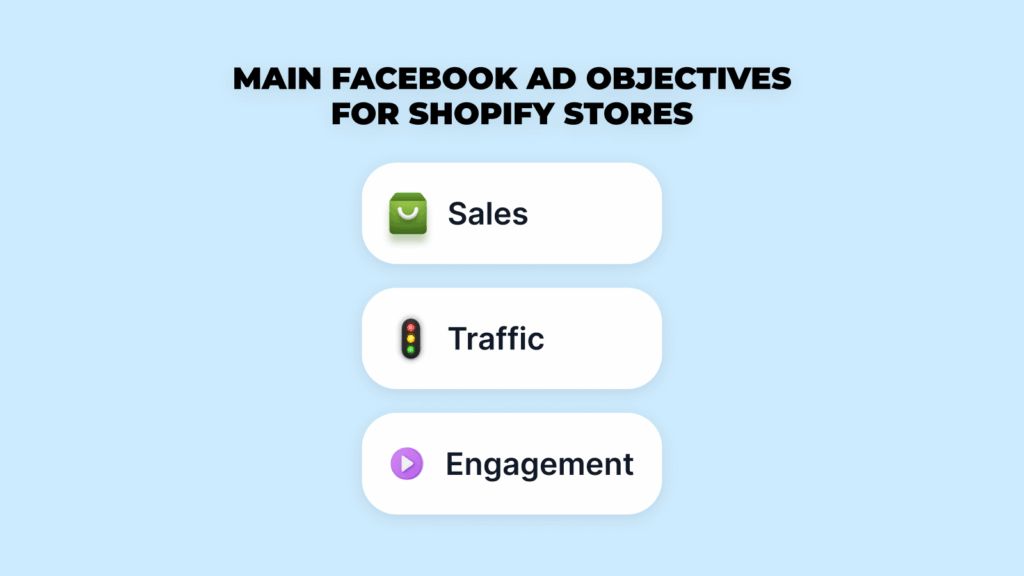
- Sales (Conversions): Ideal if your pixel has already tracked purchases.
- Traffic (Landing Page Views): Best for new stores with no prior data.
- Engagement (Video Views or Post Engagement): Helpful for warming up audiences before retargeting.
If you’re not sure, start with Sales. Facebook’s algorithm learns fastest when your goal matches your end result — purchases.
With Easy Ads, you’ll be able to create effective sales campaigns that use your budget efficiently, learn faster, and drive purchases for your store sooner.
Step 3: Choose What to Promote
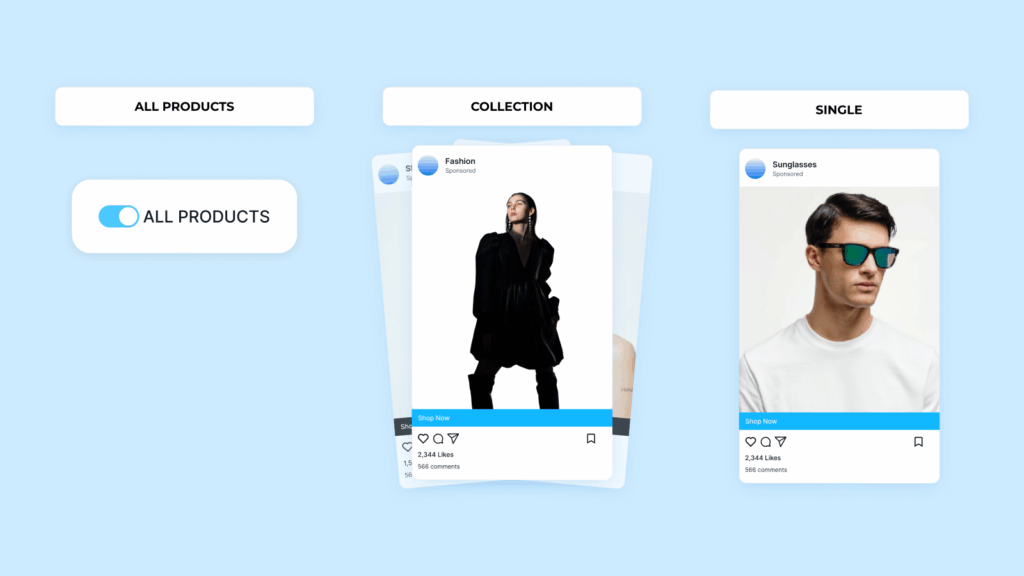
You can promote your entire store, a collection, or a single product. Each has its place:
- All products: Great for stores with a strong variety and good stock levels.
- Collections: Perfect when products share a theme (e.g., skincare, fitness gear, jewelry).
- Single product: Best for testing or scaling one proven performer.
If you’re running ads manually, choose one approach and stick with it for at least a week to collect consistent data.
If you’re using Easy Ads for Facebook, you don’t have to choose just one. The app automatically promotes all your products and matches each shopper with what they’re most likely to buy. It’s the fastest and cheapest way to identify which products deserve more spending.
Step 4: Set Your Budget
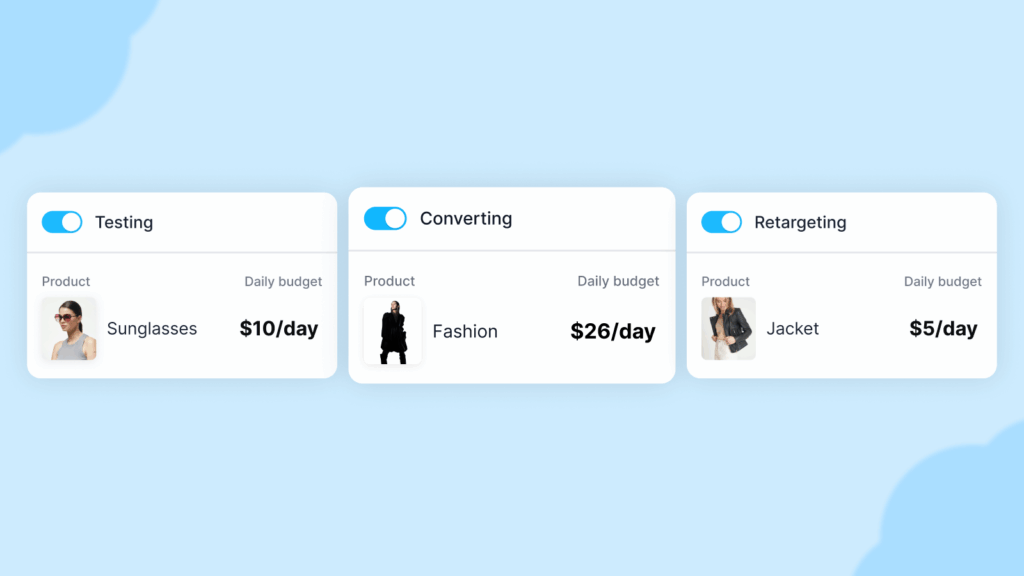
You don’t need a big budget to run Facebook ads for Shopify stores. Start small and scale based on results.
Here’s a simple structure:
- $10 per day for general testing campaigns
- $5 per day for small audiences or retargeting
- $20–$30 per day once you find products that convert consistently
What matters most is consistency. Changing your budget every day resets Facebook’s learning phase. Keep your daily spend steady for at least five to seven days before adjusting.
Easy Ads automatically handles this for you. It keeps your spending consistent while reallocating budget to the ads and audiences that perform best.
Step 5: Build Your Audience
Targeting is where most Shopify owners overcomplicate things.
In 2025, Meta’s algorithm performs best with broader audiences. Instead of trying to narrow targeting manually, focus on giving the system enough data to learn who your buyers are.
Here’s what works best:
- Choose your main country or region instead of multiple ones.
- Skip unnecessary interest stacking — one or two broad interests are enough.
- Let Facebook’s Advantage+ audience option work; it’s designed to learn faster.
If you’re using Easy Ads, you don’t need to figure out your targeting on your own. Instead, the app uses your store data to build prospecting and retargeting audiences for you. You only need to select the countries that you ship to, and let Easy Ads handles the rest for you.
Step 6: Create Your Ads
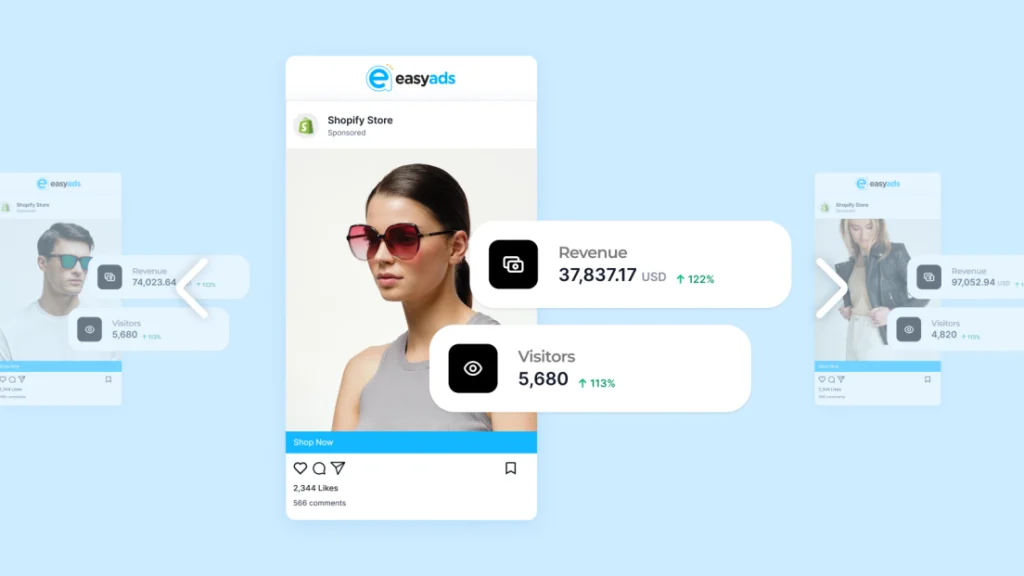
Your creative is what stops the scroll. It’s also what determines whether people actually click.
For Shopify stores, visuals that show the product in action perform best. Keep your creative simple, authentic, and focused on the benefit, not the feature.
What works in 2025:
- Short videos showing your product in use
- Simple product demos filmed on a phone
- Testimonials or UGC (user-generated content)
- Static images with clean backgrounds and short headlines
When it comes to ad copy:
- Start with the problem your product solves
- Explain the benefit in one short sentence
- End with a call-to-action (e.g., “Shop now,” “Order today”)
Example:
Struggling with back pain from long hours at your desk? Our ergonomic cushion gives you instant comfort and better posture. Try it today.
If you’re using Easy Ads, you can upload your images once, and the app automatically builds ad variations optimized for your chosen goal.
Step 7: Launch and Let It Learn
Once your campaign is ready, publish it and give it time to learn.
Facebook’s algorithm usually needs 3–7 days to collect enough data to optimize. Avoid editing or pausing ads during this phase — it restarts learning and slows down performance.
If you’re using Easy Ads, the system handles all this automatically. It monitors your campaigns and scales stronger ad sets without you needing to adjust anything manually.
Step 8: Review Your Results
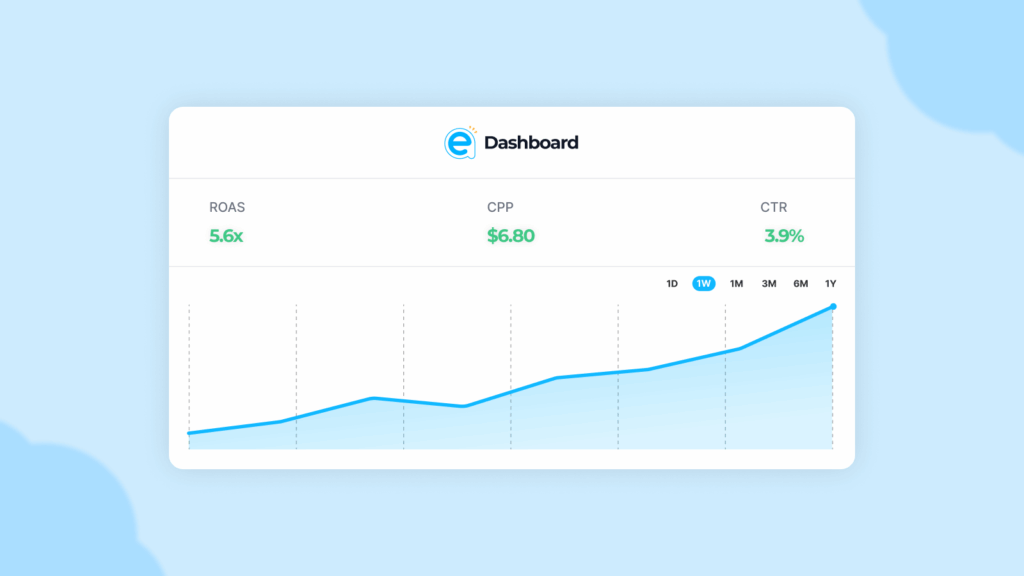
After your campaign has run for at least a week, it’s time to check performance. Focus on the numbers that actually impact profit:
- ROAS (Return on Ad Spend): Measures your return. Anything above 2x is strong for new campaigns.
- CPP (Cost per Purchase): Lower is better.
- CTR (Click-Through Rate): A good indicator of how engaging your creative is.
You can track all of this in Facebook Ads Manager—or see it directly in Shopify if you’re using Easy Ads. The app pulls your key metrics into a clean dashboard so you can check progress without leaving your store.
Step 9: Scale What Works
Once you find products or creatives that perform consistently, start scaling slowly.
Here’s how to do it safely:
- Increase the budget by 20–30% every few days
- Duplicate winning ad sets instead of rebuilding them
- Keep testing new creatives while scaling existing winners
Easy Ads handles scaling automatically. It increases spend on profitable campaigns and reduces spend on weaker ones, ensuring you grow without losing efficiency.
Scale Smarter, Not Harder
Let Easy Ads for Facebook optimize your budget automatically while you focus on growing your business.
Start Your Free Trial NowStep 10: Retarget Your Visitors
Retargeting is where most of your profit comes from. People rarely buy the first time they visit your store, so you need ads that bring them back.
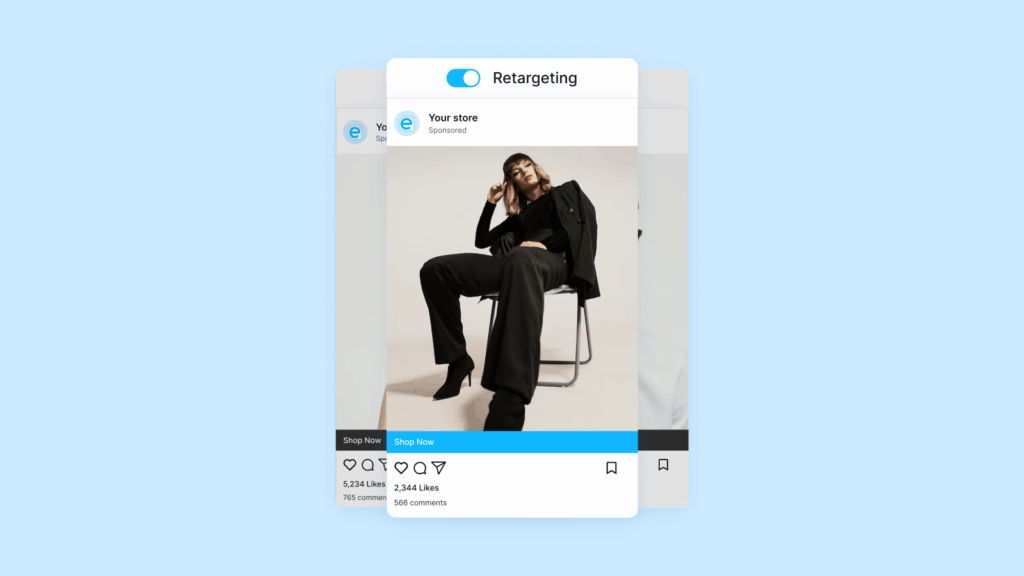
Your retargeting campaign should focus on:
- People who visited your site but didn’t purchase
- People who added items to their cart
- People who interacted with your Facebook or Instagram content
If you’re running ads manually, set your retargeting budget to about 20–30% of your total spend.
If you’re using Easy Ads, retargeting is built in. The app automatically creates and updates retargeting campaigns for you using your Shopify data.
Why Automation Helps You Win
Running Facebook ads manually used to make sense when ad costs were lower, and tracking was simpler. In 2025, that’s no longer the case.
Automation helps you get the same (or better) results faster and for less money. Easy Ads for Facebook automates every step — campaign creation, audience setup, optimization, and reporting — while staying affordable for any Shopify store.
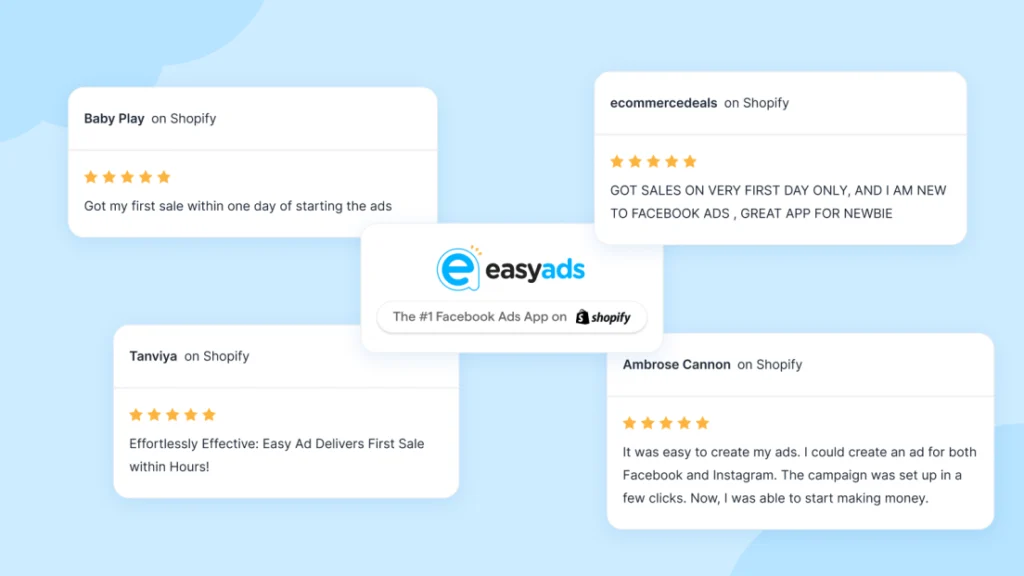
You can start with $10 a day, test multiple products, and scale the ones that work — all without leaving Shopify. Many users get their first sale within hours of setup, which is why Easy Ads remains the top-rated Meta ads app on the Shopify App Store.
For Shopify merchants interested in exploring other AI-powered tools, you can also check out this guide to the best Shopify AI apps in 2026
Final Thoughts
Running Facebook ads for Shopify stores doesn’t have to feel overwhelming. The process is simple once you focus on the right structure and stop trying to control every variable.
Follow these steps, stay consistent, and use Shopify Facebook Ads automation tools that do the heavy lifting for you.
If you want to launch your first campaign today, Easy Ads for Facebook is the easiest way to start—affordable, fast, and proven to work.
Start small. Stay steady. Let automation handle the rest.
Launch Your First Campaign Today
Join thousands of Shopify stores using Easy Ads for Facebook to run profitable ads on autopilot.
Try Easy Ads Free TodayFAQs
How much budget do I need to start running Facebook ads?
You can start with $10 per day, or $5 if you’re targeting smaller audiences. You can learn how Easy Ads helps you run effective Facebook ads with a small daily budget here: How to Run Facebook Ads for Shopify on a Small Budget (2025 Guide).
How long should I wait before checking results?
Give your campaign 5–7 days to leave the learning phase and start optimizing.
Can I run multiple products at once?
Yes. Easy Ads automatically promotes all your products and matches each shopper with the one they’re most likely to buy.
How do I know if my ads are working?
Track your ROAS, CPP, CTR, and frequency. If those numbers improve week after week, you’re on the right path.
Leave a Reply