
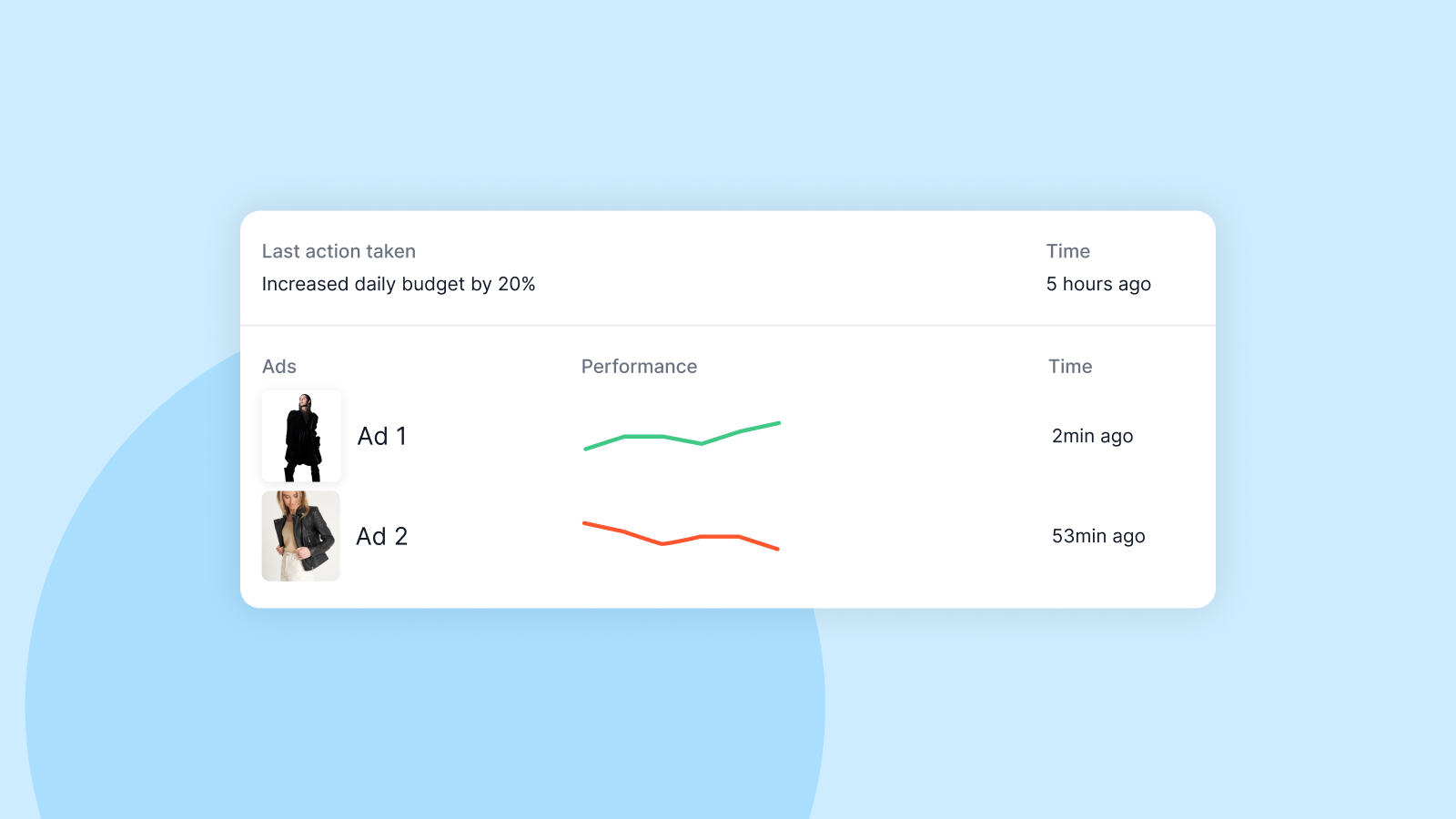

To test products with Facebook ads is one of the fastest ways to find what sells. But if you’ve ever tried running tests manually, you know how expensive and messy it can get.
You spend hours setting up campaigns, adjusting audiences, and tracking performance — only to realize your results don’t tell you much.
In 2025, product testing has become simpler and smarter. You no longer need to guess what works. Meta’s algorithm is more efficient than ever, and tools like Easy Ads for Facebook make it possible to test multiple products automatically — for as little as $10 a day.
Here’s how to test products properly and turn your Facebook ad data into real sales.
Why Product Testing Matters

Most Shopify stores fail because they scale the wrong product.
When you test your products using Facebook ads, you’ll end up finding out what sells before even spending a serious budget. It shows which products attract clicks, which ones convert, and which ones just look good in theory.
The goal isn’t to find one “winning” product overnight — it’s to identify clear signals that show potential for profitable scaling.
Easy Ads for Facebook was built around that idea: quick, structured testing that helps Shopify merchants find winning products faster.
Step 1: Define What You’re Testing

Before launching ads, decide what exactly you are testing.
You can test:
- Products: Which item sells best.
- Creatives: Which images or videos drive clicks.
- Audiences: Which people respond to your offers.
Start with product testing. You can test creative and audience variations later once you have clear winners.
Pro tip: Focus on products that have:
- High perceived value (looks more expensive than it costs)
- Clear benefit in one glance
- Problem-solving appeal
- Strong visuals for ads
If you’re using Easy Ads for Facebook, the app automatically tests all your products or collections and identifies which ones get the most engagement and conversions — saving you from having to create separate campaigns manually.
Let AI Find Your Winning Products
Easy Ads automatically tests and optimizes your entire catalog so you can focus on scaling what works.
Start Your Free TrialStep 2: Set a Simple Testing Budget
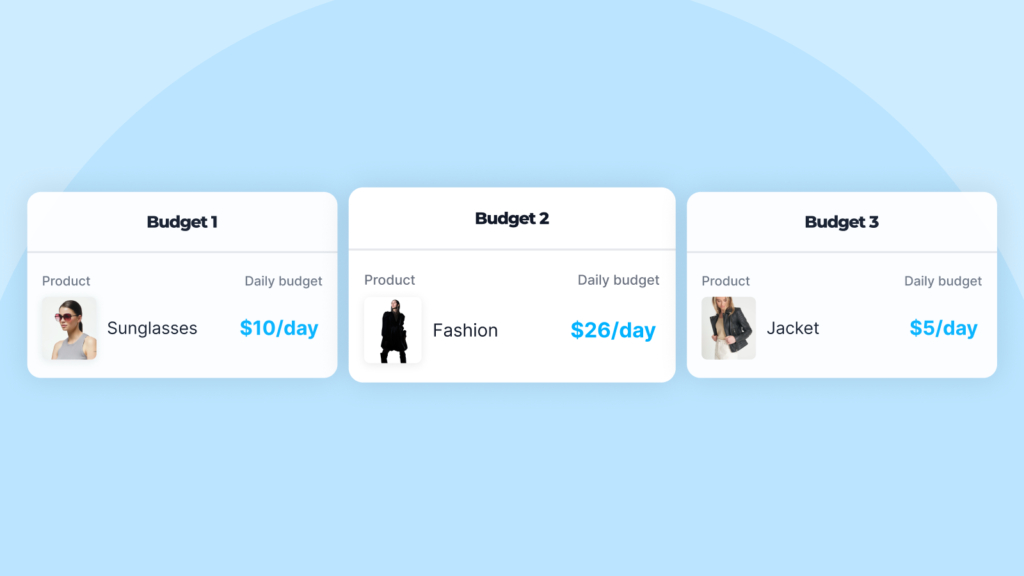
You don’t need big budgets to test products effectively. By following How to Run Facebook Ads for Shopify on a Small Budget (2025), you can run ads for your Shopify store even with a small budget. What you need is structure and consistency.
Start with:
- $10 per day per test campaign
- Or $5 per day if you’re targeting smaller audiences
Run each product test for at least 5 to 7 days before drawing conclusions. This gives Facebook enough data to learn and stabilize results.
If you’re using Easy Ads, you can test multiple products within the same daily budget. The app automatically divides spend between your items and reallocates budget toward the ones performing best.
Step 3: Use One Clear Goal per Campaign
When testing products, always use the Sales (Conversions) objective if you have a working pixel.
If your store is new and has no data yet, start with Traffic (Landing Page Views) or Add to Cart optimization. Once you get enough events, switch to Purchases.
Easy Ads automatically chooses the right campaign objective based on your data. It starts with the event most likely to optimize efficiently and upgrades automatically when performance improves.
Step 4: Choose the Right Audiences for Testing
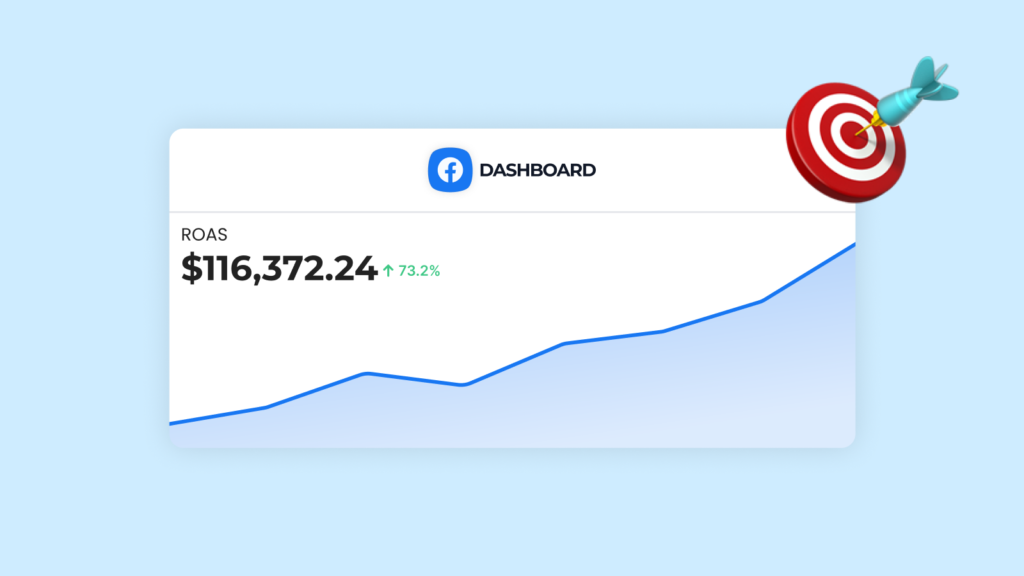
You don’t need complex audience setups to test products with Facebook ads. Keep things simple and broad.
The goal of testing is to see if your product converts in general — not whether a tiny micro-segment likes it.
Recommended audience setup in 2025:
- Use broad targeting (Advantage+ audience) when possible.
- If your pixel is new, use 1–2 broad interests related to your niche.
- Avoid stacking too many interests — it confuses Meta’s algorithm.
If you’re testing manually, aim for audiences of 1–5 million people to give Facebook enough learning data.
If you’re using Easy Ads, you don’t need to worry about audience size or overlap. The app builds optimized cold, warm, and hot audiences from your Shopify store data automatically.
Skip the Audience Setup Headaches
Easy Ads builds your cold, warm, and hot audiences automatically from your store data — no guesswork required.
Get Started FreeStep 5: Use One Creative per Product Test
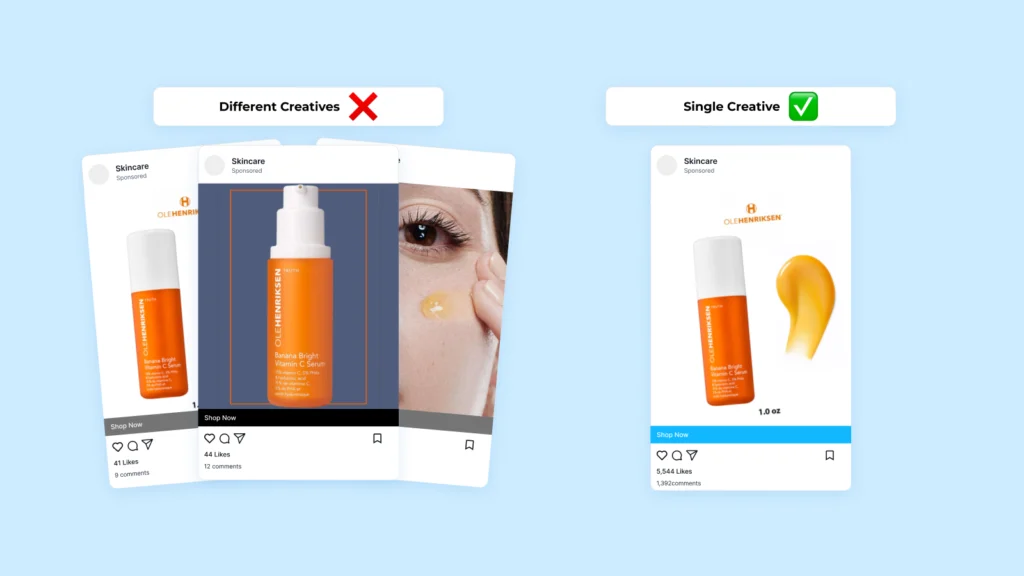
To isolate results, keep your creative simple.
When testing products, use:
- One primary image or video
- One headline
- One clear call-to-action (“Shop now,” “Get yours today”)
You can always test creative variations later, once you find a promising product.
Your testing creative should show the product clearly, highlight its benefit, and stop the scroll.
Example:
Problem: messy charging cables everywhere.
Visual: a clean setup with one magnetic charger.
Copy: “Declutter your desk instantly. One charger for all your devices.”
With Easy Ads, you can upload your creatives once. The app automatically generates and runs optimized variations across your selected products.
Step 6: Let Campaigns Run Without Interruption
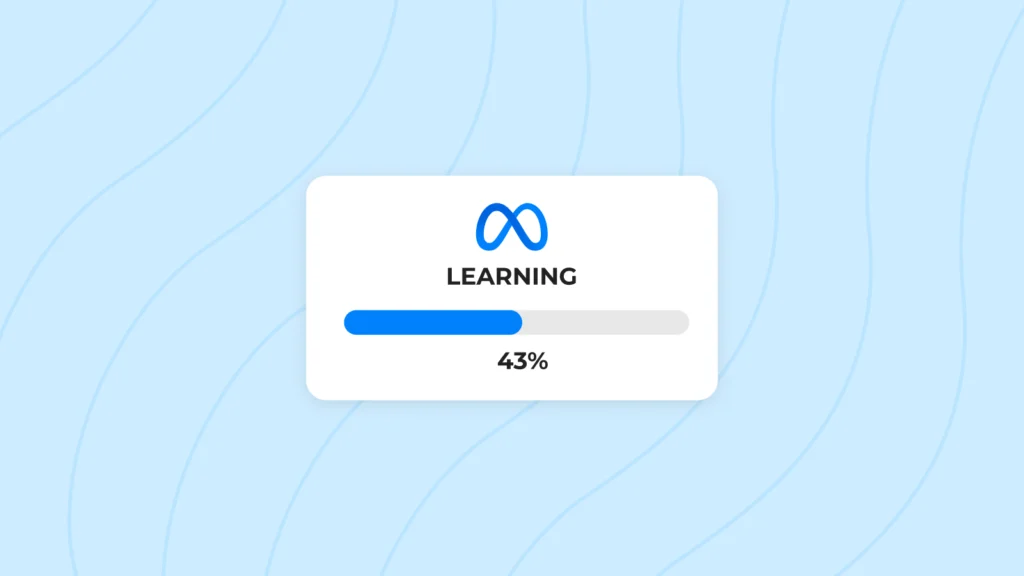
This is where most merchants fail.
Facebook needs time to learn who converts. When you make frequent changes — editing budgets, pausing ads, or replacing creatives — you reset the learning phase. Therefore, you need to let each test campaign run for 5–7 days without edits.
During that time, don’t judge performance based on one bad day. Look for trends across several days instead of chasing daily fluctuations.
Easy Ads handles this automatically by keeping your campaigns stable and pacing spend evenly so you never interrupt the learning phase.
Step 7: Read the Data the Right Way
Once your campaigns have run for a week, it’s time to review performance.
Here’s the Facebook metrics you need to look for:
- Click-Through Rate (CTR): Should be above 1%. Anything below suggests your creative isn’t engaging enough.
- Cost per Click (CPC): The lower, the better, but context matters — some niches cost more.
- Cost per Purchase (CPP): Your main success metric.
- Add to Cart Rate: If it’s high but purchases are low, your landing page needs improvement.
Easy Ads for Facebook displays all of these metrics directly inside your Shopify dashboard, so you don’t need to jump between Ads Manager and Shopify reports.
Step 8: Identify Winners and Losers
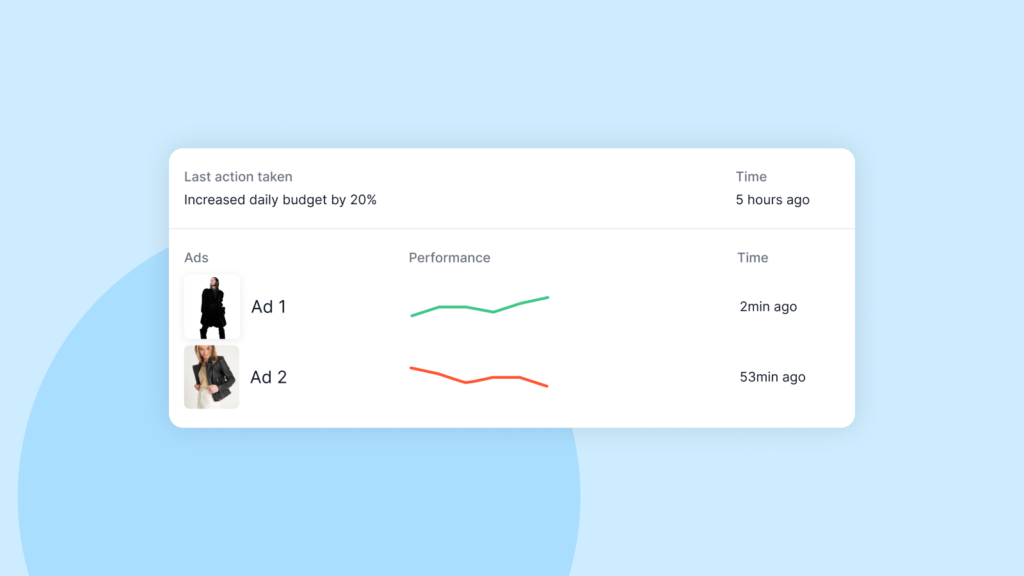
After 7–10 days of testing, you’ll see clear patterns:
- Some products get clicks but few purchases (poor conversion).
- Some get little attention (bad creatives).
- One or two might deliver consistent sales at a sustainable cost.
Those are your winning products — the ones to scale.
Winners usually share three traits:
- Stable cost per purchase over time.
- Above-average CTR.
- Predictable daily conversions.
Once you spot that combination, pause weaker tests and reallocate budget to your winners.
Easy Ads for Facebook does this automatically by shifting spend toward the products generating the best return and pausing low performers.
Step 9: Scale Gradually
Scaling too fast resets performance.
When you’ve found a winner, increase your daily budget by 20–30% every few days, not all at once.
You can also duplicate your best-performing ad sets and run them in new regions or with new creatives.
Easy Ads handles scaling automatically. It increases spend on high-performing campaigns while keeping your ROAS stable.
Step 10: Retarget Viewers and Add-to-Cart Users
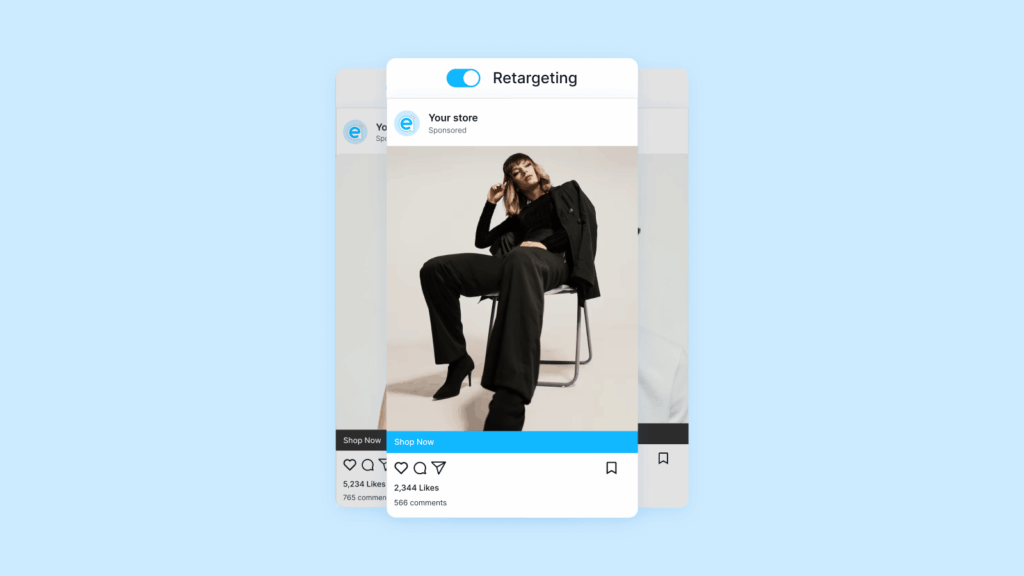
Testing doesn’t stop at prospecting. Retargeting helps you recover warm audiences who didn’t buy during your initial test.
Set up retargeting campaigns for:
- People who viewed a product but didn’t purchase
- People who added to cart but didn’t check out
- Visitors in the last 30 days
If you’re using Easy Ads, you don’t have to set this up manually. The app automatically creates and maintains retargeting campaigns for all your tested products.
How Easy Ads Simplifies Product Testing
Manually testing products can take hours and waste budget if done wrong. Easy Ads for Facebook was designed to eliminate that guesswork.
Here’s what it automates:
- Launches full-funnel campaigns for all your products at once
- Splits the budget intelligently between product tests
- Shifts spend to top performers
- Stops weak ads automatically
- Tracks all results in one Shopify dashboard
You can test and find your next winning product in days, not weeks, even on small budgets.
Find Winners Faster With Automation
Stop wasting time and budget on manual tests. Easy Ads identifies your best products automatically — even on a tight budget.
Try Easy Ads FreeFinal Thoughts
Testing products with Facebook ads doesn’t have to feel random or expensive. The key is structure — running clean tests, reading the right data, and scaling winners slowly.
If you follow this process manually, you’ll already outperform most Shopify stores.
If you use Easy Ads for Facebook, you’ll do it faster, cheaper, and with complete automation.
You choose your products and budget — Easy Ads finds what sells.
FAQs
How much should I spend to test products?
Start with $10 per day per test, or $5 for small audiences. The goal is consistent data, not high spend.
How long should I run a product test?
At least 5–7 days without edits to let Facebook’s algorithm learn.
How do I know if a product is a winner?
Look for stable cost per purchase, good CTR, and consistent daily sales.
Can I test multiple products at once?
Yes. Easy Ads automatically tests all your products and reallocates budget to the ones performing best.
What happens after I find a winner?
Increase the budget gradually or let Easy Ads scale it automatically while keeping performance stable.
Leave a Reply